Look
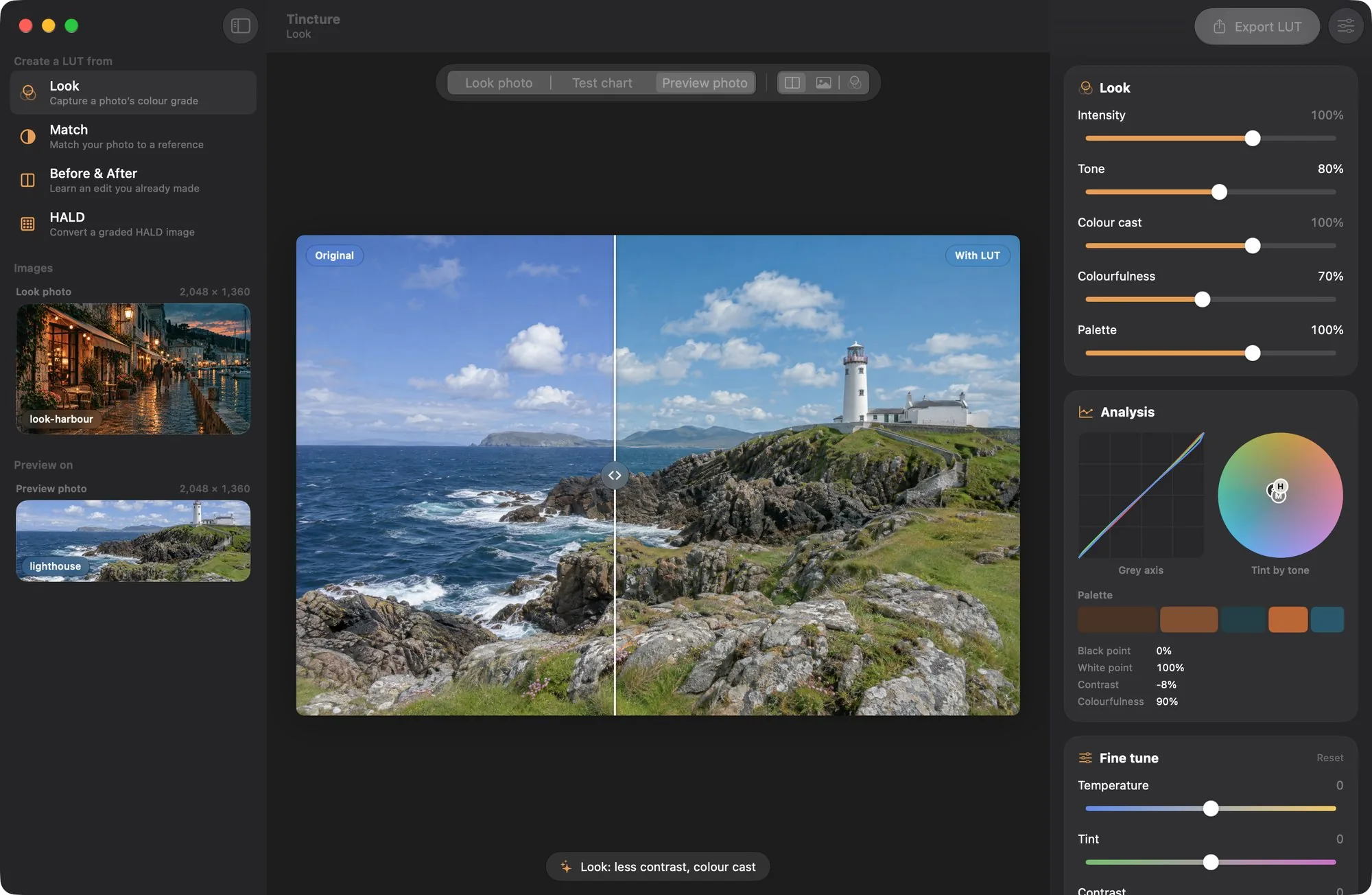
You have one photo with the look you want.


Tincture reads its tones, the cast in shadows, mid-tones and highlights, how muted or vivid it is, and its dominant colours, and builds a LUT that gives them to other photos.
 Tincture
For Mac and Windows · Version 1.0.0
Give Tincture a photo whose look you like. It reads the tones, the colour cast and the palette, and writes a 3D LUT you can load in Photoshop, Lightroom, Premiere Pro, DaVinci Resolve and most other editors.
A LUT moves every colour to a new one. The cube shows 729 of them, each drawn where the chosen look sends it; the photo shows the same LUT on a lighthouse it has never seen. Drag across the photo to compare.
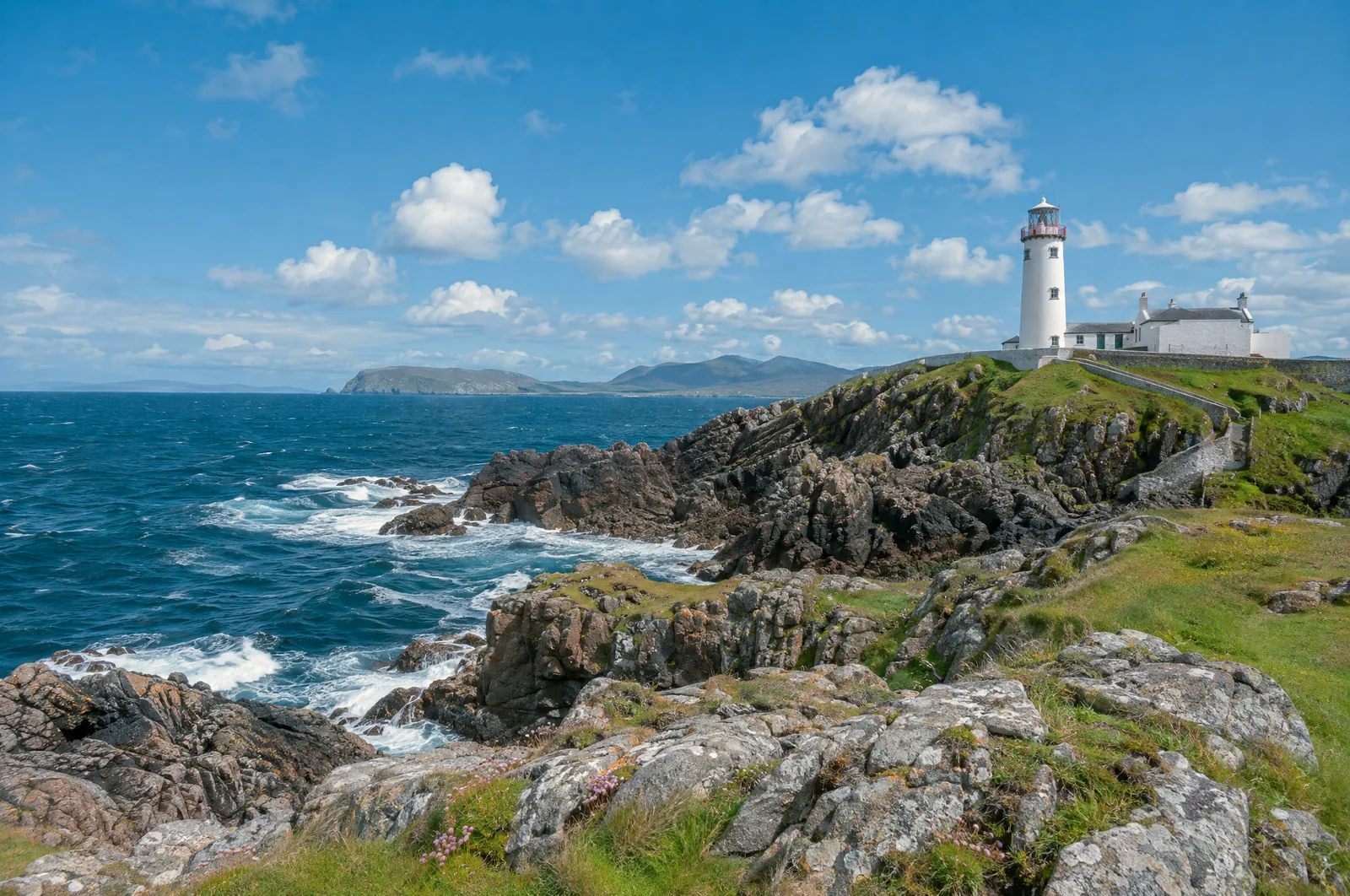
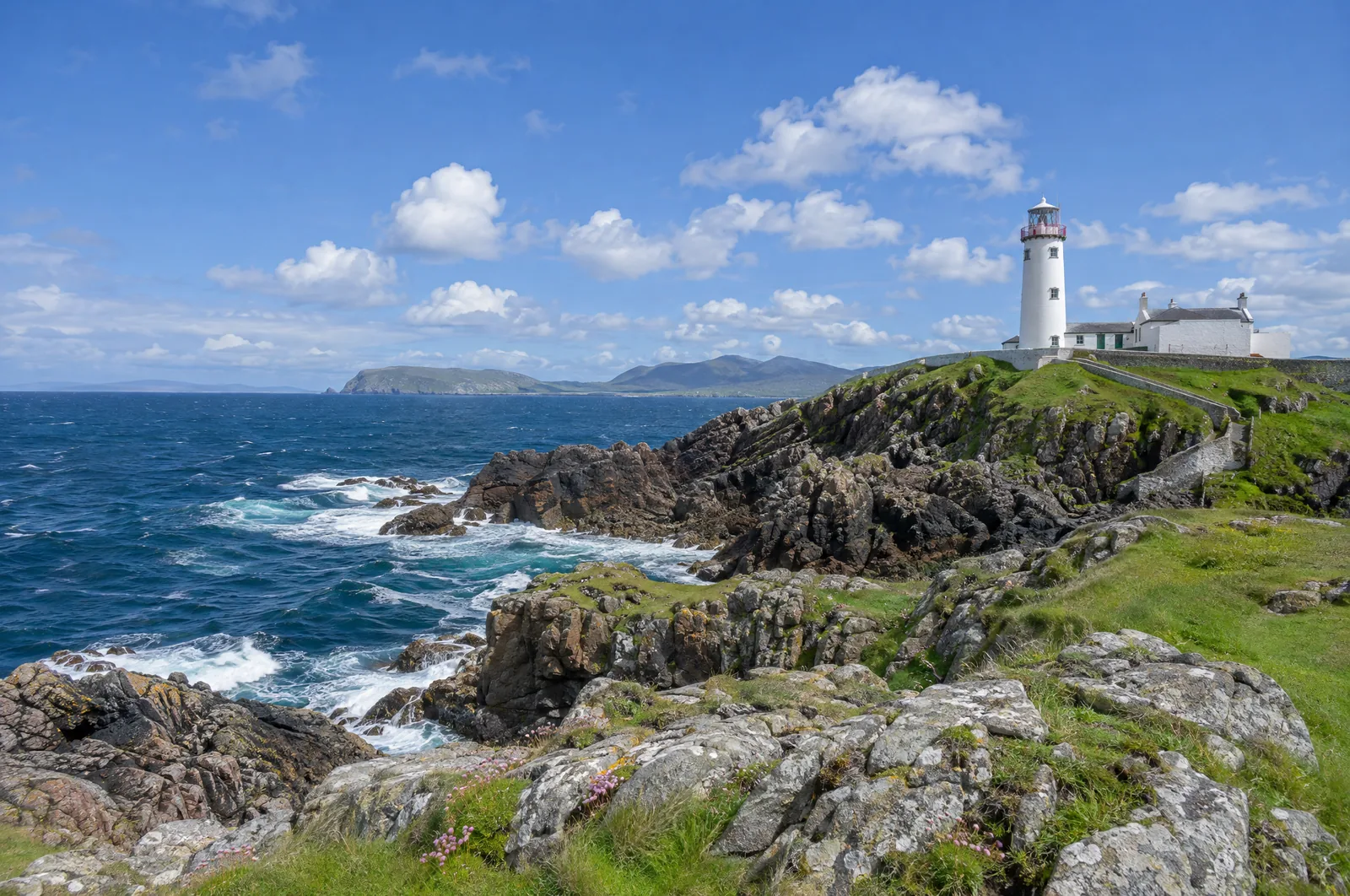 OriginalWith LUT
Which to use depends on what you have.
You have one photo with the look you want.
Tincture reads its tones, the cast in shadows, mid-tones and highlights, how muted or vivid it is, and its dominant colours, and builds a LUT that gives them to other photos.
You have your photo and a reference.
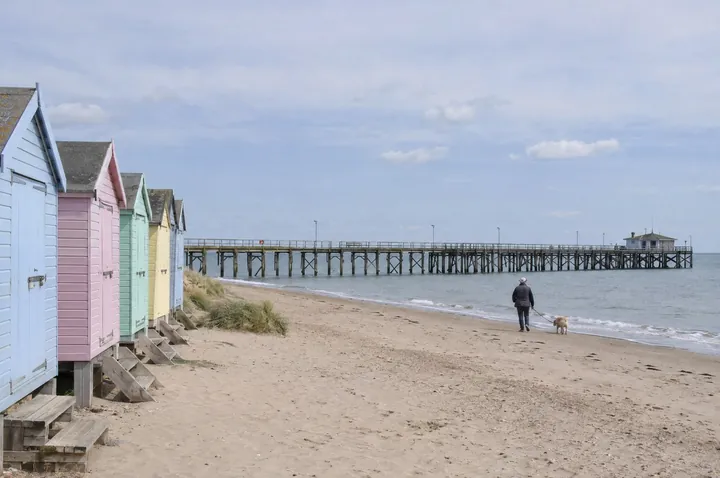
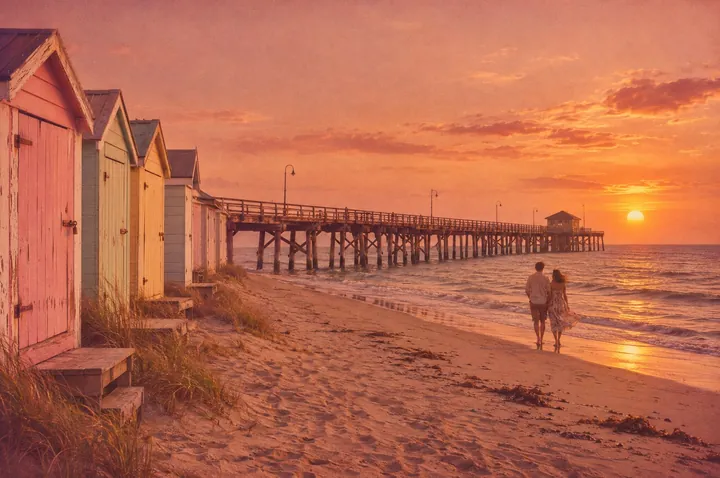
Your photo’s brightness and colours follow the reference, shadows, mid-tones and highlights separately. Good for making a series agree.
You have a photo before and after your own edit.
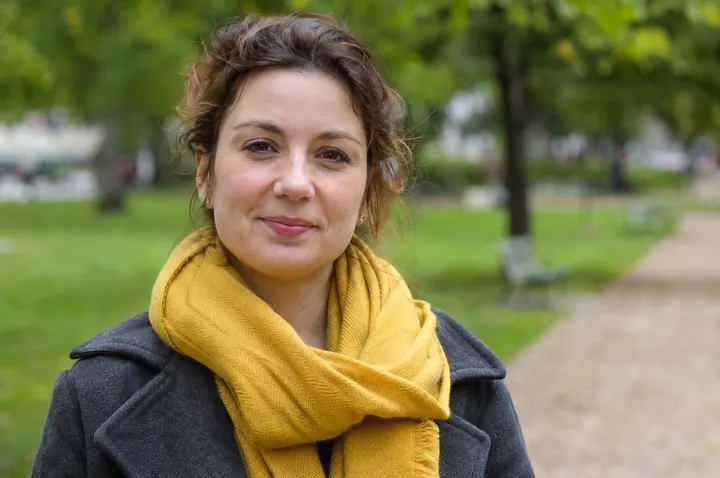
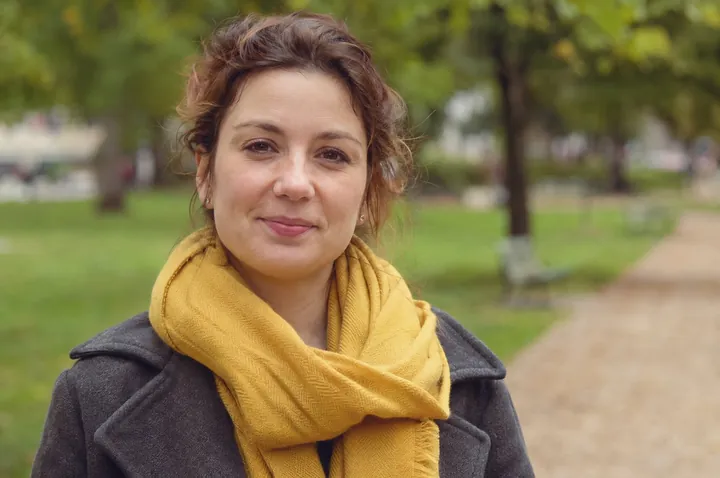
Tincture learns the exact colour change, usually to within a fraction of a level, and turns it into a LUT for your other photos.
You have any editor with colour adjustments.
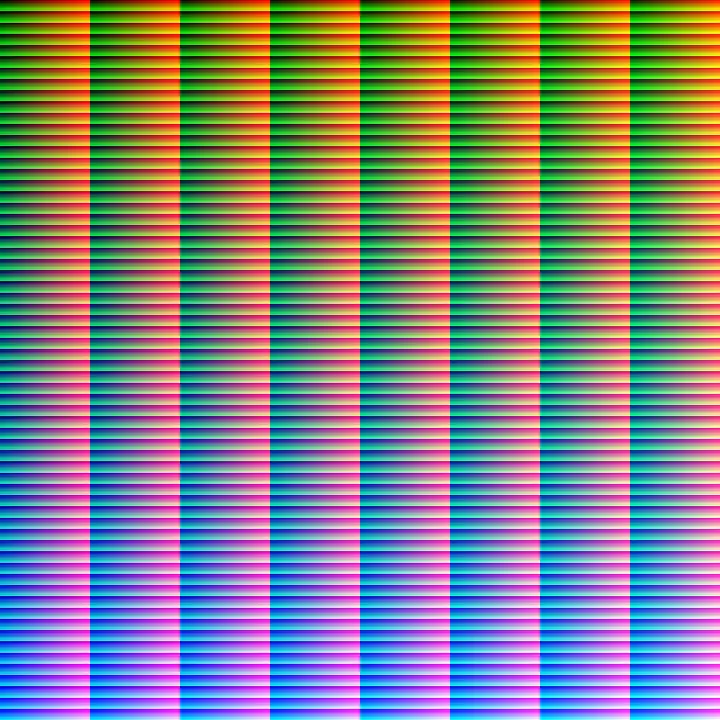
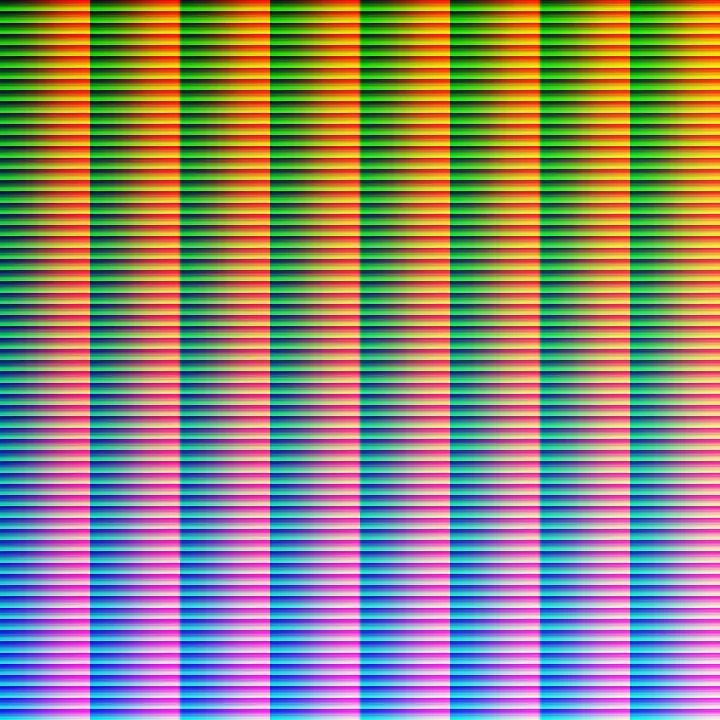
Save a HALD image, grade it with adjustment layers in any app, drop it back in, and Tincture converts the grade to a LUT without losing anything.
Choose a format and a grid of 17, 33 or 65 points, or save all three formats at once.
| Format | Use it in |
|---|---|
| .cube | Photoshop, Lightroom (through a Camera Raw profile), Premiere Pro, After Effects, DaVinci Resolve, Final Cut Pro, Affinity Photo, Capture One |
| .3dl | Photoshop, Autodesk Flame and Lustre, Nuke, DaVinci Resolve |
| HALD .png | Affinity Photo, GIMP with G’MIC, darktable, RawTherapee, ImageMagick |
In Photoshop: Layer › New Adjustment Layer › Color Lookup, then 3DLUT File › Load 3D LUT…
TITLE "Harbour Dusk"
# Created with Tincture. Input: sRGB-encoded
# (display-referred) RGB.
LUT_3D_SIZE 33
DOMAIN_MIN 0.0 0.0 0.0
DOMAIN_MAX 1.0 1.0 1.0
0.000000 0.000000 0.000000
0.029729 0.005702 0.000000
0.057615 0.011508 0.000000
0.086141 0.018999 0.000000
… 35,937 lines, red changing fastestmacOS 26 or later, Apple silicon
Download for MacOpen the disk image and drag Tincture to Applications. It is not notarised by Apple yet: the first time, macOS may say it cannot check it. Open System Settings › Privacy & Security and click Open Anyway.
User manual for Mac PDF, 10 MB
Windows 10 or 11, 64-bit (Intel, AMD or Arm)
Download for WindowsRun the setup: it installs for you only, without an administrator password. It is not code-signed yet, so Windows may show Windows protected your PC: click More info, then Run anyway.
User manual for Windows PDF, 10 MB